
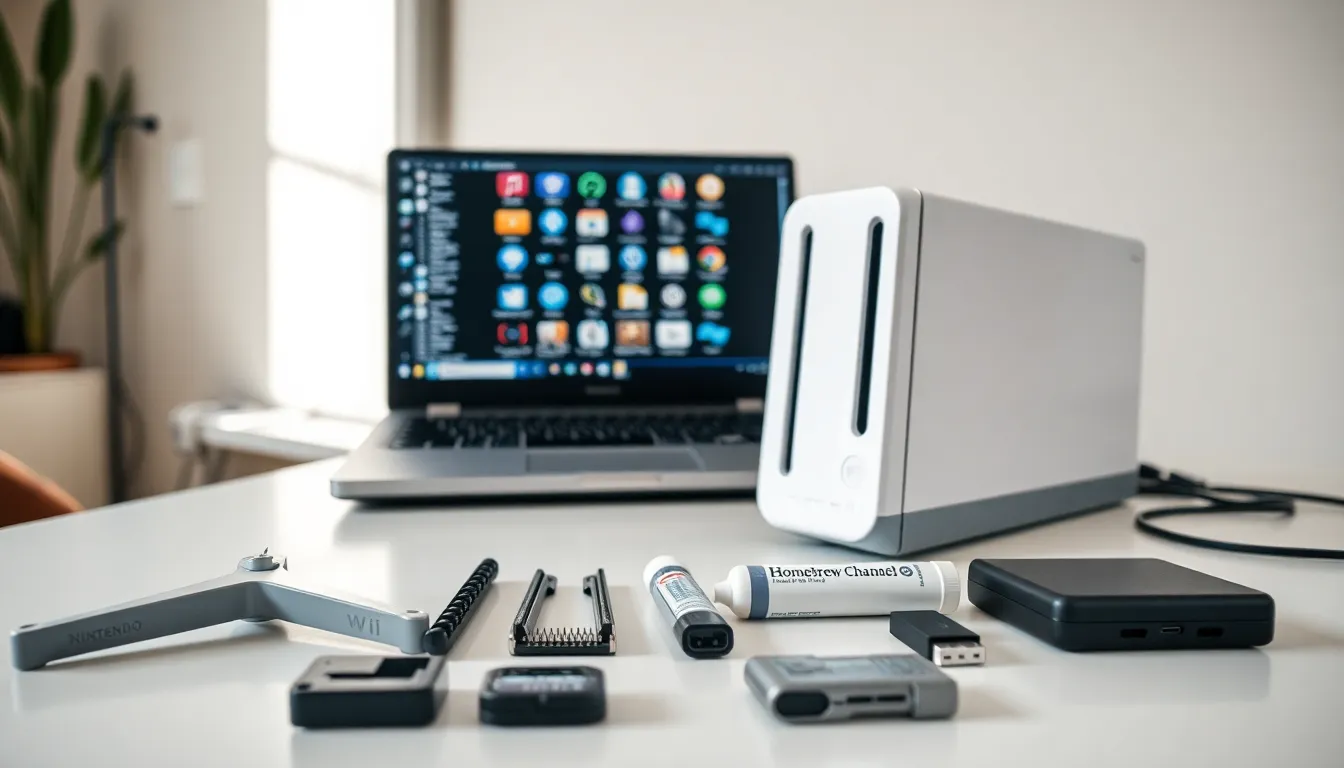
Nintendo Wii tools help users get more from their beloved console. Whether someone wants to run homebrew applications, repair a malfunctioning disc drive, or back up game saves, the right tools make all the difference. The Wii launched in 2006 and sold over 100 million units worldwide. Many of these consoles remain in active use today. Owners often seek ways to extend functionality, fix aging hardware, or preserve their game libraries.
This guide covers the essential software and hardware tools for Nintendo Wii owners. It explores homebrew options, repair equipment, data management utilities, and safety practices. Each section provides practical information for anyone looking to maintain or customize their Wii console.
Table of Contents
ToggleKey Takeaways
- Nintendo Wii tools include software like Homebrew Channel, USB Loader GX, and BootMii for customization, game management, and system protection.
- Essential hardware tools for Wii repairs include tri-wing screwdrivers, replacement disc drives, thermal paste, and cleaning supplies.
- Always create a NAND backup using BootMii before installing any modifications to protect against permanent console damage.
- USB Loader GX and WiiFlow let you play games from external storage, reducing wear on the optical drive and improving load times.
- Download Nintendo Wii tools only from trusted sources like the Open Shop Channel or GBAtemp to avoid corrupted or malicious files.
- Block official system updates through Priiloader to prevent homebrew modifications from being removed or causing compatibility issues.
Software Tools for Homebrew and Customization
The Nintendo Wii homebrew scene remains active nearly two decades after the console’s release. Several Nintendo Wii tools let users install custom software and expand what their console can do.
The Homebrew Channel
The Homebrew Channel serves as the foundation for most Wii customization. This application launcher provides a clean interface for running unofficial software. Users install it through exploits like LetterBomb or str2hax. Once installed, the Homebrew Channel opens access to thousands of community-created applications.
Priiloader
Priiloader adds a layer of protection to modified Wii consoles. It loads before the system menu and offers several useful features. Users can skip disc checks, force video modes, or block system updates. Priiloader also helps recover from certain types of bricks that would otherwise require professional repair.
cIOS Installers
cIOS (custom IOS) installers let the Wii run backup loaders and other advanced applications. Tools like d2x cIOS Installer patch the console’s operating system modules. These patches enable features Nintendo didn’t include in the original firmware. Most backup loaders and USB loading tools require cIOS to function properly.
USB Loader GX
USB Loader GX ranks among the most popular Nintendo Wii tools for game management. It displays games stored on USB drives with cover art and descriptions. Users can launch games directly from external storage instead of physical discs. This approach reduces wear on the optical drive and provides faster load times.
WiiFlow
WiiFlow offers an alternative to USB Loader GX with a different visual style. Its coverflow interface mimics the look of browsing album art. WiiFlow supports plugins for emulators and other homebrew applications. Many users prefer its aesthetics and customization options.
Hardware Tools for Repairs and Maintenance
Aging Wii consoles often need physical repairs. The right hardware tools make these fixes manageable for DIY enthusiasts.
Tri-Wing Screwdrivers
Nintendo uses tri-wing screws to secure the Wii’s outer casing. Standard screwdrivers won’t work on these fasteners. A tri-wing screwdriver (usually Y0 or Y1 size) costs only a few dollars and proves essential for any internal repair. Quality sets often include multiple sizes for different Nintendo products.
Replacement Disc Drives
The Wii’s optical drive frequently fails after years of use. Symptoms include grinding noises, failure to read discs, or the dreaded “unable to read disc” error. Replacement drives are available from various sellers. Installation requires some disassembly but follows straightforward steps. Users should match their drive model to ensure compatibility.
Thermal Paste
The Wii’s processor generates heat during operation. Original thermal paste dries out over time, reducing heat transfer efficiency. Fresh thermal paste application can lower operating temperatures and extend console life. Arctic MX-4 and Noctua NT-H1 are popular choices among repair enthusiasts.
Sensor Bar Alternatives
The Wii sensor bar contains infrared LEDs that the Wiimote uses for positioning. When these fail, pointer controls stop working. Replacement sensor bars cost under ten dollars. Third-party wireless versions eliminate cable clutter. Some users even build DIY sensor bars using candles or IR LED circuits.
Cleaning Supplies
Compressed air removes dust from vents and internal components. Isopropyl alcohol (90% or higher) cleans circuit boards and contacts safely. Cotton swabs help reach tight spaces. Regular cleaning prevents overheating and maintains disc reading reliability.
Backup and Data Management Utilities
Preserving game saves and managing data requires specific Nintendo Wii tools. These utilities protect against data loss and simplify file transfers.
SaveGame Manager GX
SaveGame Manager GX extracts and restores save files from the Wii’s internal memory. Users can back up saves to SD cards or USB drives. The tool also moves saves between different Wii consoles. This proves valuable when upgrading to a new system or recovering from hardware failure.
CleanRip
CleanRip creates exact copies of Wii and GameCube discs. These backups serve as insurance against disc damage or loss. The tool verifies dumps against known checksums to ensure accuracy. CleanRip writes directly to USB storage or SD cards in ISO format.
YAWMM (Yet Another Wad Manager Mod)
YAWMM installs and manages WAD files on the Wii. WAD files contain channels, system titles, and other installable content. This tool lets users add custom channels to their system menu. It also removes unwanted channels and manages installed content.
FTPii and WiiXplorer
FTPii turns the Wii into an FTP server for wireless file transfers. Users connect from their computer to move files without removing the SD card. WiiXplorer provides a file manager directly on the console. Both Nintendo Wii tools simplify data organization and transfer tasks.
BootMii
BootMii creates full NAND backups of the Wii’s internal storage. A NAND backup captures everything, system files, channels, saves, and settings. This backup can restore a bricked console to working condition. Installing BootMii as boot2 offers the best protection, though not all Wii models support this option.
Safety Tips When Using Third-Party Tools
Third-party Nintendo Wii tools carry some risk. Following safety guidelines protects the console from permanent damage.
Download from Trusted Sources
Malicious files can brick a Wii console. Users should download software only from established sources like the Open Shop Channel or well-known repositories. Forums like GBAtemp provide community verification for safe downloads. Avoiding random websites reduces the chance of installing corrupted or harmful files.
Create NAND Backups First
Before installing any modifications, create a NAND backup using BootMii. This backup serves as a restore point if something goes wrong. Store the backup on multiple devices for redundancy. A NAND backup has saved countless consoles from otherwise permanent bricks.
Follow Instructions Carefully
Most problems occur when users skip steps or ignore warnings. Guides from sites like wii.guide offer tested, step-by-step processes. Reading through the entire guide before starting helps identify potential issues. Rushing through installations leads to mistakes.
Avoid System Updates
Nintendo’s official system updates can remove homebrew modifications or cause compatibility issues. Users should block updates through Priiloader settings. The Wii no longer receives meaningful updates anyway, so blocking them causes no real loss.
Use Quality Hardware
Cheap USB drives and SD cards sometimes cause read errors or data corruption. Investing in reputable brands like SanDisk or Samsung improves reliability. Format storage devices correctly, FAT32 for SD cards, and NTFS or FAT32 for USB drives depending on the application.